Online migration from DynamoDB to CosmosDB NoSQL
Alexander Komyagin2 min read
- cosmos-db
- dynamodb
- azure
- aws
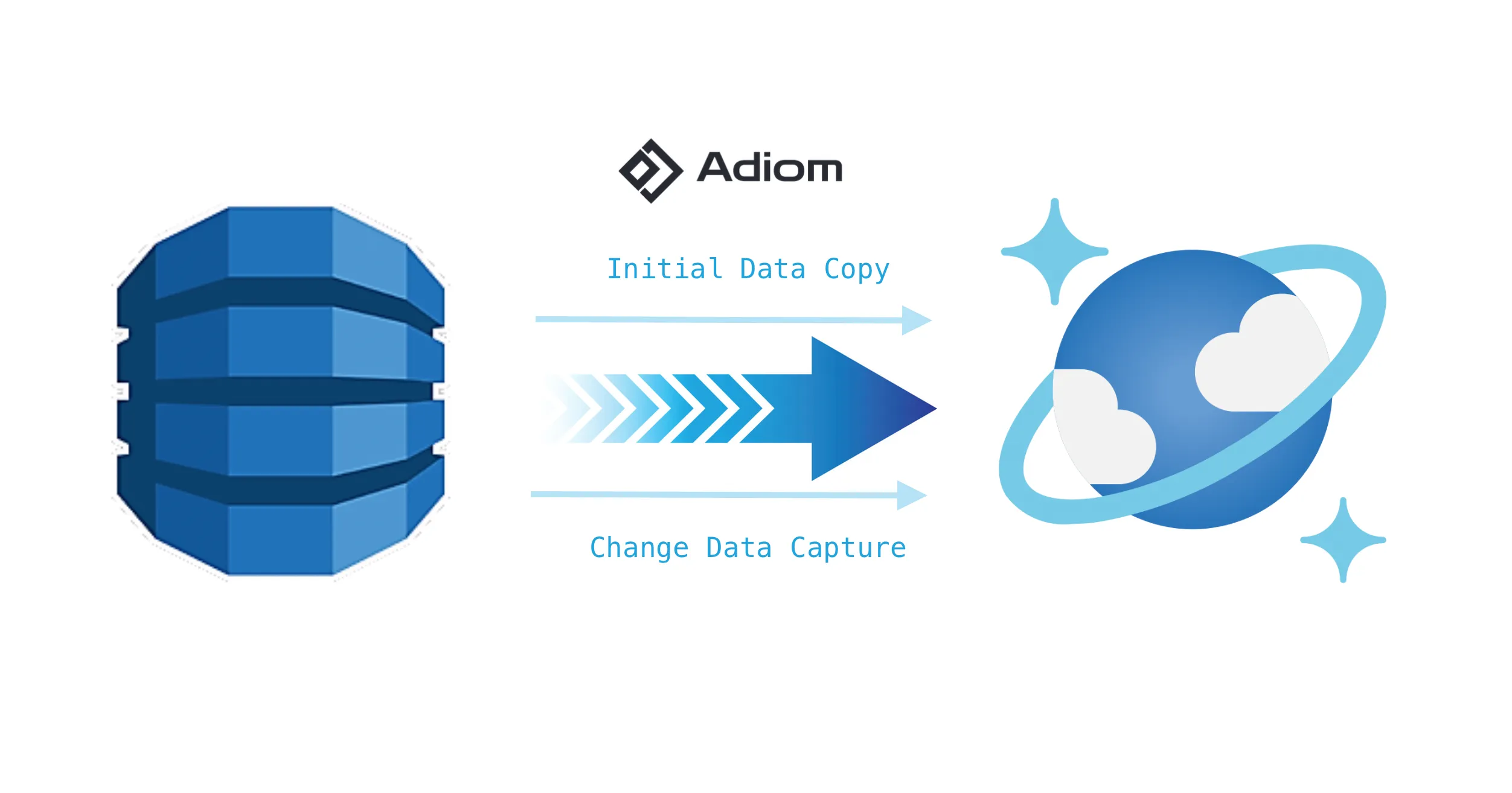
We’re excited to announce the public preview of DynamoDB and Cosmos DB NoSQL support in dsync, a powerful tool that revolutionizes database migration workflows. This new capability enables seamless, online migration from AWS DynamoDB to Azure Cosmos DB NoSQL, eliminating the traditional hurdles of cross-cloud database transitions.
DynamoDB vs Cosmos DB NoSQL: Why Consider Migration?
While both DynamoDB and Cosmos DB NoSQL are powerful NoSQL databases, each offers unique advantages that might better suit your evolving needs. DynamoDB is a key-value store on steroids. It can handle massive scale (a lot of internal AWS services are using it), but it uses its own specific query language and the number of supported features is rather limited.
Azure Cosmos DB NoSQL provides multi-region writes, automatic indexing, and more flexible consistency levels, making it particularly attractive for globally distributed applications. It also supports a flavor of SQL as a query language, and it integrates seamlessly with other Azure services, potentially simplifying your cloud infrastructure if you’re already invested in the Azure ecosystem or planning to move from AWS to Azure.
The Old Way: Offline Migration Headaches
Traditionally, migrating from DynamoDB to CosmosDB involved a complex, time-consuming export-import process with cloud storage and a data processing framework. For example, it could be the following:
-
Export data from DynamoDB to S3
-
Set up and configure Spark clusters
-
Transform and load data into Cosmos DB
-
Plan for significant application downtime
This approach required extensive planning, specialized expertise, and often resulted in prolonged service interruptions.
The New Way: Streamlined Online Migration from DynamoDB to CosmosDB with dsync
Dsync transforms this entire process into a straightforward operation that any developer or DevOps engineer can perform. Here’s what makes it special:
-
Zero Infrastructure Requirements: Runs directly on your local machine or VM
-
No Data Storage: Processes data in-memory without persistent storage
-
Familiar Unix-like Syntax: If you know basic shell commands, you already know how to use dsync
-
Online Migration: Minimal to no downtime required
-
Cross-Cloud Security: Simplified authentication process
Here’s how simple it becomes:
## Start Cosmos DB Sink Connector
cosmos-sink 8089 $URL $KEY &

## Login to AWS CLI
aws sso login

## Run dsync
dsync --progress --logfile dsync.log --namespace <TABLENAME>:<DB>.<CONTAINER> dynamodb grpc://localhost:8089 --insecure
Learn more
You can learn more in our QuickStart guide or by watching the demo video on YouTube.
Ready to simplify your database migration? Try dsync today and experience the future of seamless cross-cloud data synchronization.