guides2 min read
Online migration from DynamoDB to CosmosDB NoSQL
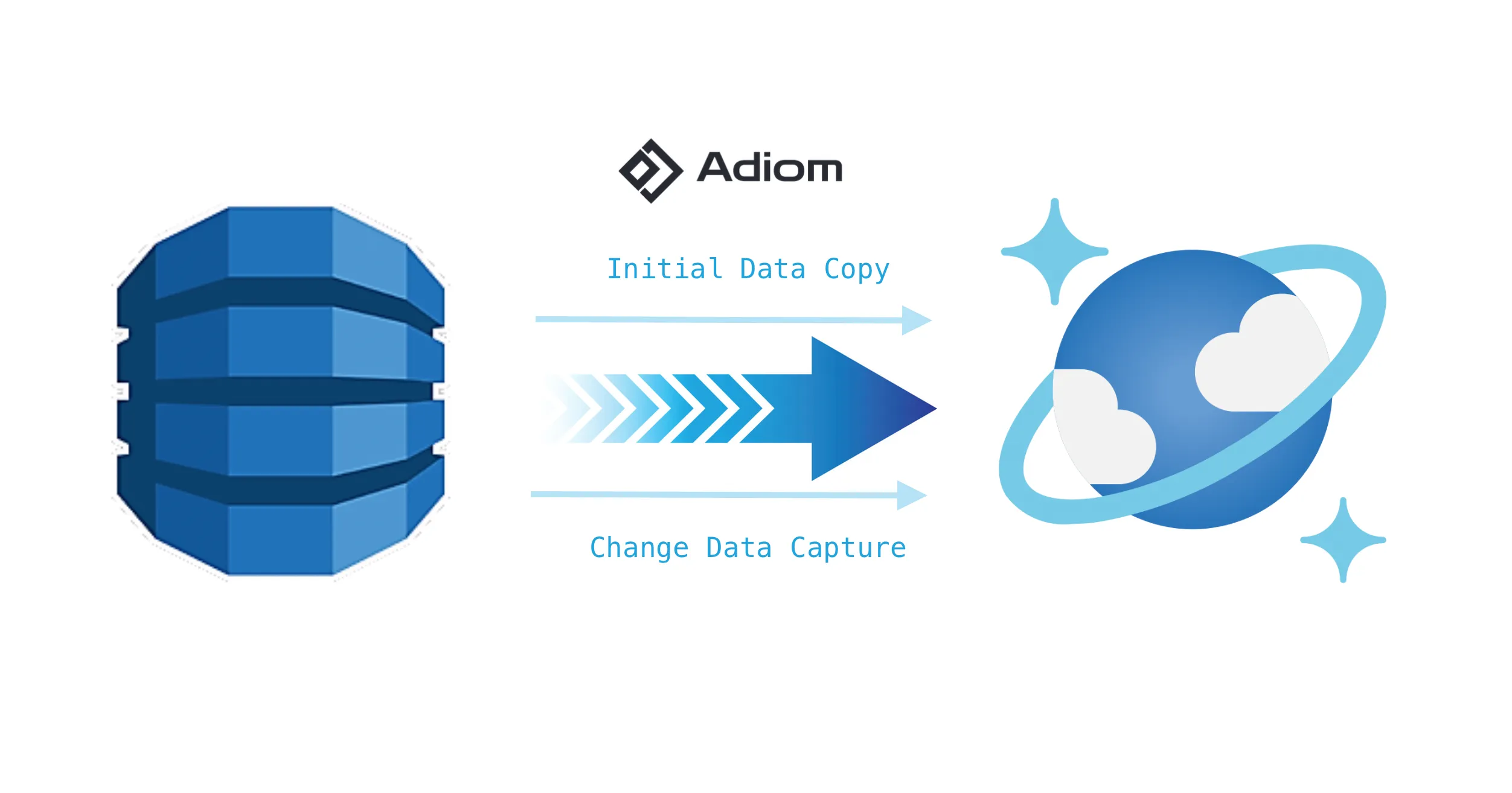
We're excited to announce the public preview of DynamoDB and Cosmos DB NoSQL support in dsync, a powerful tool that revolutionizes database migration workflows.
DynamoDB to Cosmos DB
Use Dsync to move from DynamoDB to Cosmos DB for NoSQL while production keeps running. Realize the benefits of Cosmos DB and the Azure ecosystem in minutes rather than months.
The two databases look alike from a distance — key-value access, JSON-shaped items, partitioned storage — and differ in the places that hurt during a migration. DynamoDB exports are either a full table scan, which is slow and consumes read capacity at production scale, or a point-in-time export to S3 that gives you a snapshot with no way to catch up afterwards. DynamoDB Streams close that gap but retain only 24 hours of changes, so the initial copy has to finish inside that window or the migration silently loses writes.
On the Cosmos DB side the decision that cannot be undone is the partition key. It is immutable once a container exists, it determines both the 20 GB logical-partition ceiling and how request units are spread across physical partitions, and the natural DynamoDB key is not always the right choice — high-cardinality tenant workloads often want a hierarchical key instead. Throughput has to be provisioned ahead of the copy so Cosmos DB creates partitions before ingestion rather than during it, and the item model changes shape: items are converted to JSON documents, and the 400 KB item limit becomes a 2 MB document limit.
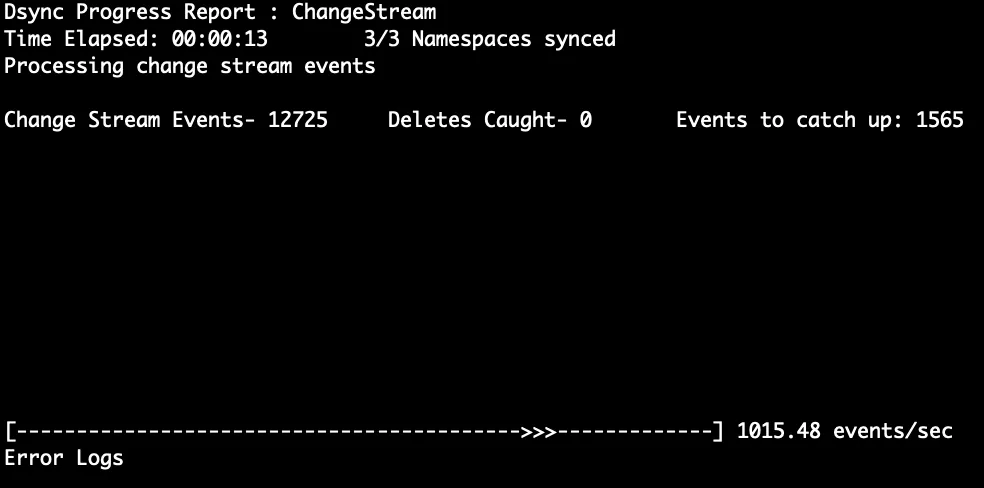
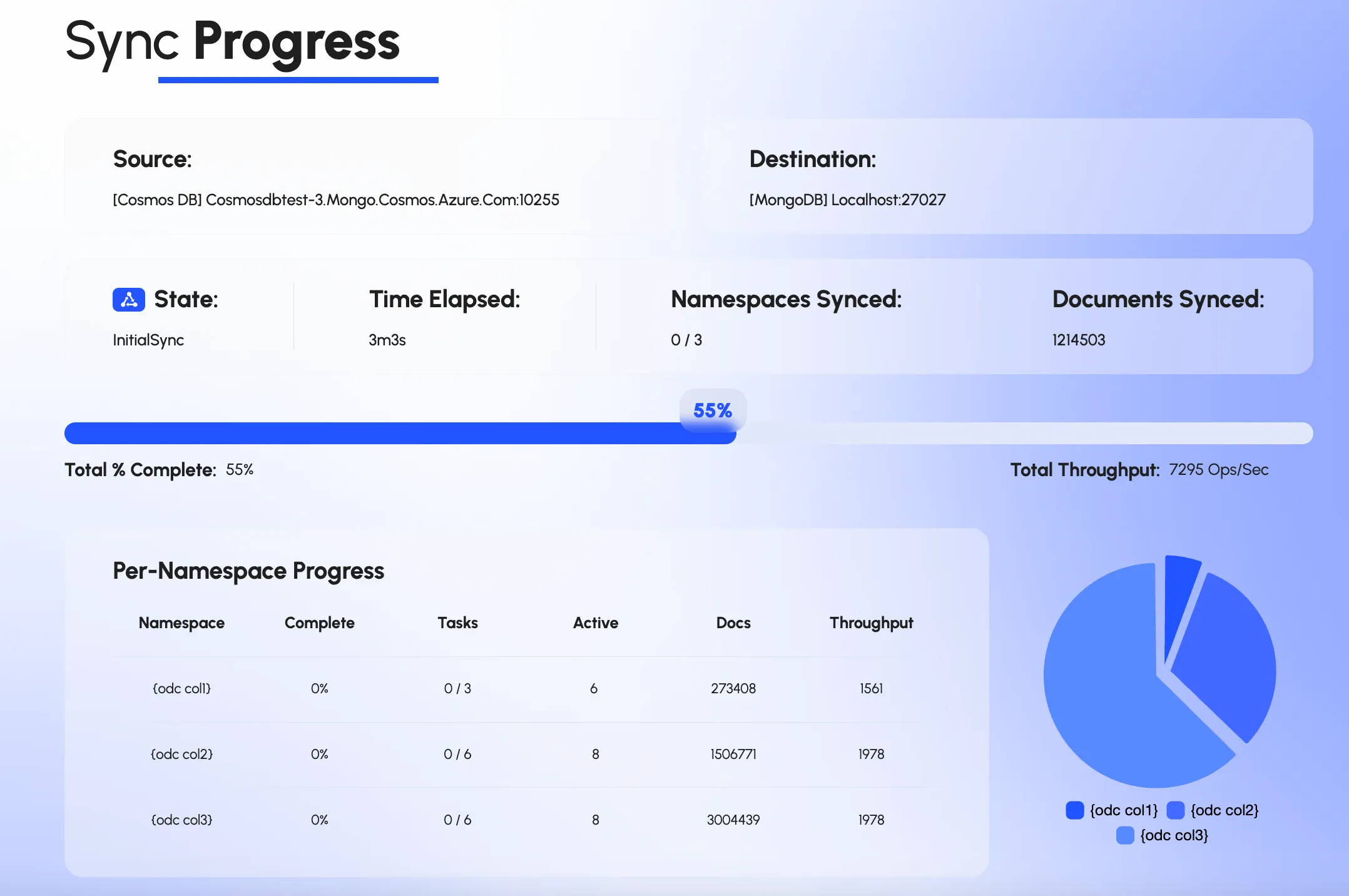
Dsync handles the time problem by being fast: a parallel, checkpointed scan moves tens of terabytes in 24 hours, so the copy finishes well inside the stream's retention and the changes made during it are then applied from the stream. It leaves the design decisions to you, with the data to make them. Progress, lag and per-table state are visible in the CLI and web UI while it runs, verification compares both sides continuously, and the cutover is a connection change once they match. The white paper linked below examines the DynamoDB path in more depth.
dsync $DYNAMO $COSMOSSee it running
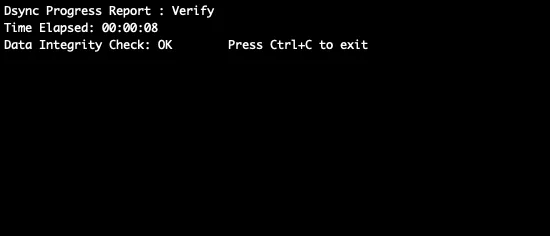
Not a mockup. The command line, the web UI and the integrity check, from a real run.
Proof
“Don’t even attempt to do your own thing. Just use Dsync.”
Yes. The initial copy is a parallel scan at a read rate you set, and DynamoDB Streams record every write made while it runs, which Dsync applies once the copy is done. The application keeps using DynamoDB until cutover, which is a connection change on your side.
By finishing the copy well inside it. Dsync's parallel scan moves tens of terabytes in 24 hours, so for most tables the initial copy is done in hours, and the writes recorded in the stream during that time are applied afterwards. The stream has to be enabled before the copy starts; for exceptionally large tables we size the load level on the assessment call so the copy fits the window.
Items are converted to JSON documents, and the Cosmos DB partition key is chosen by you up front — usually the DynamoDB partition key, sometimes a hierarchical key for multi-tenant tables. The mapping is reviewed on the assessment call, because the partition key cannot be changed after the container is created.
Only as much as you allow. Dsync's load level sets the number of reader threads, and a write rate limit on Cosmos DB throttles the DynamoDB scan through back-pressure, so the copy can run at a rate that leaves headroom for production or, for on-demand tables, at whatever rate the cost allows. The one limit is the stream's 24-hour retention: the copy has to finish inside it, which at tens of terabytes a day leaves room to throttle for most tables.
We recommend it. Provisioning request units before the copy makes Cosmos DB create physical partitions ahead of ingestion instead of splitting them under load, which is faster and avoids throttling during the copy. It can be scaled back down once the migration is complete.
Verification is a flag. A quick mode compares document counts per table, and a full mode reads every item and compares hashes, so you choose the level of evidence before you cut over. If you need to return to DynamoDB afterwards, the same command with the reverse flag starts a change-data-capture flow from Cosmos DB back to DynamoDB, which is why we suggest keeping the table for a defined period rather than deleting it on day one.
guides2 min read
We're excited to announce the public preview of DynamoDB and Cosmos DB NoSQL support in dsync, a powerful tool that revolutionizes database migration workflows.
product1 min read
Azure Cosmos DB for NoSQL is a general JSON database with a rich SQL-like interface, multi-region deployments (including multi-region writes), and strong availability guarantees.
guides9 min read
Before going further, it is worth being precise about names, because Azure's branding has been evolving over the years and can be somewhat confusing.
Tell us your table layout and target, and we will map the path.
We use cookies to measure how the site is used. Analytics and advertising cookies stay off until you accept. See our privacy policy.