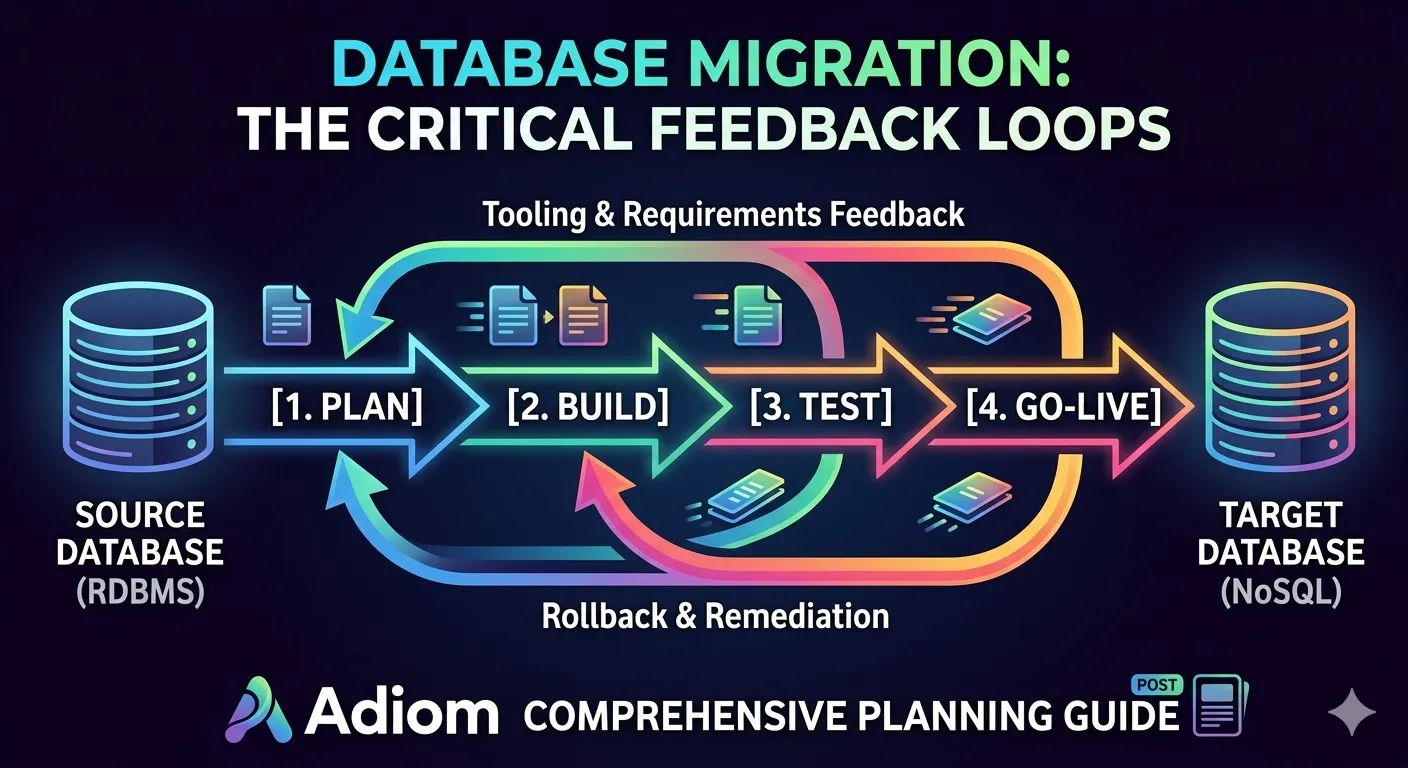
![[Part 1] Production Database Migration or Modernization: A Comprehensive Planning Guide](/_astro/cover.BXB2Nz2O_1soE8M.webp)
strategy4 min read
[Part 1] Production Database Migration or Modernization: A Comprehensive Planning Guide
Migrating a production database supporting critical backend API services is one of the most challenging undertakings in software engineering.
Solution
Most migrations do not fail on the copy. They fail at the cutover, when nobody can prove the two sides agree and there is no way back. This is the approach that removes both problems.
dsync $SOURCE $DESTINATIONSee it running
Not a mockup. The command line, the web UI and the integrity check, from a real run.
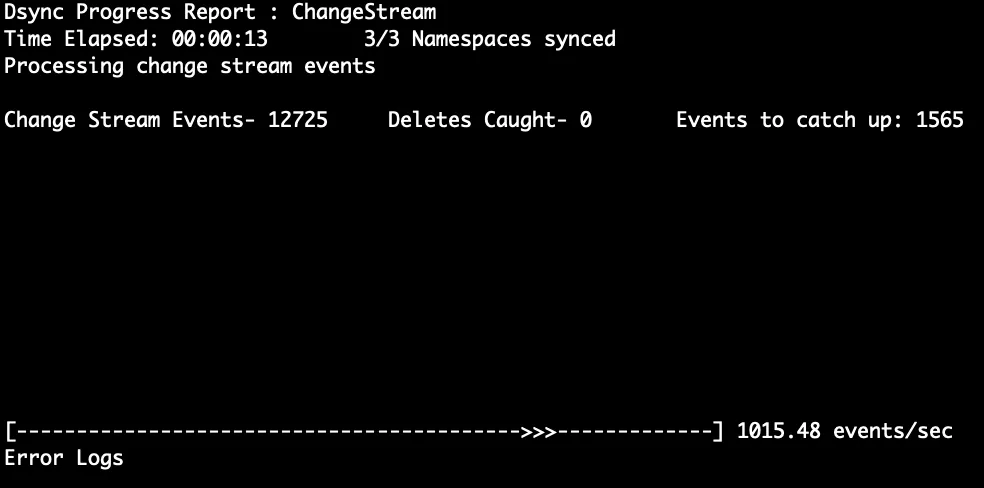
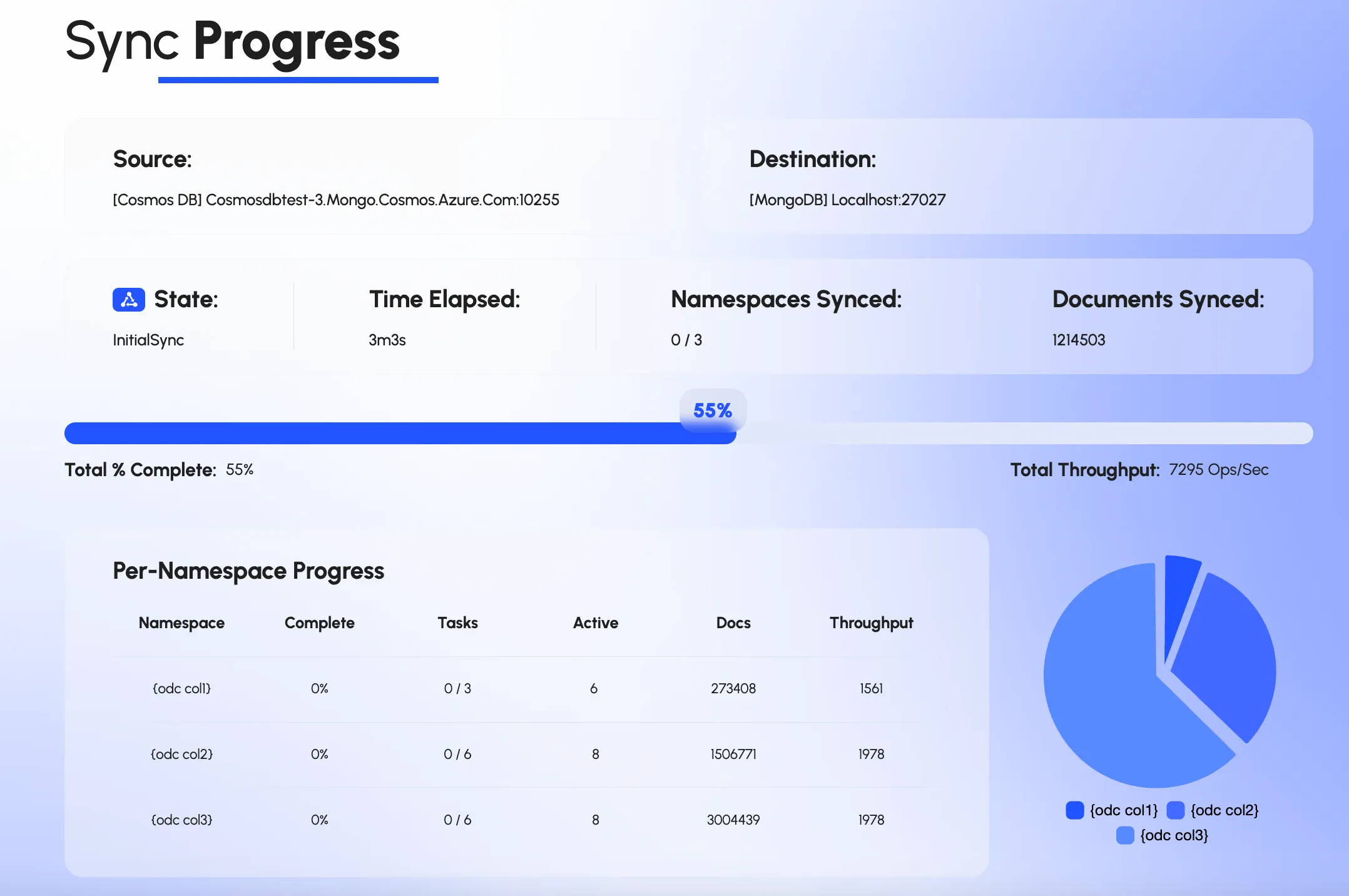
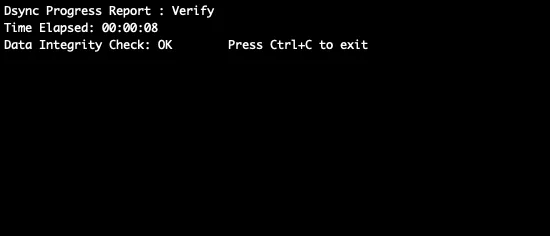
Connectors work in both directions, so most source and target pairs are supported.

Self-Managed · Atlas · Atlas Serverless
MongoDB connector docs
MongoDB API RU · DocumentDB · NoSQL / SQL API
Azure Cosmos DB connector docs

AstraDB · DSE
Cassandra connector docs
MS SQL Server · Oracle · DB2
Ask about Other SQLProof
“We utilized dsync to handle the migration of two production databases from Cosmos DB to MongoDB. The tool was incredibly efficient, allowing us to bypass the manual overhead of writing custom migration logic. It delivered exactly what was promised: speed, reliability, and risk elimination. I highly recommend it to any team looking to streamline their data synchronization.”
strategy4 min read
Migrating a production database supporting critical backend API services is one of the most challenging undertakings in software engineering.
strategy5 min read
Database migrations are a necessary evil in the life of any growing application or a company.
strategy4 min read
Most engineering teams wildly under- or overestimate what a large database migration actually takes.
strategy1 min read
We recently visited Microsoft Reactor to talk about database migration paths, common pain points and best practices.
Thirty minutes. We review source and target, timeline, cutover constraints, and what downtime is realistic. If Dsync is the wrong tool we will say so.
We use cookies to measure how the site is used. Analytics and advertising cookies stay off until you accept. See our privacy policy.