product3 min read
New SQL Connectors in Public Preview
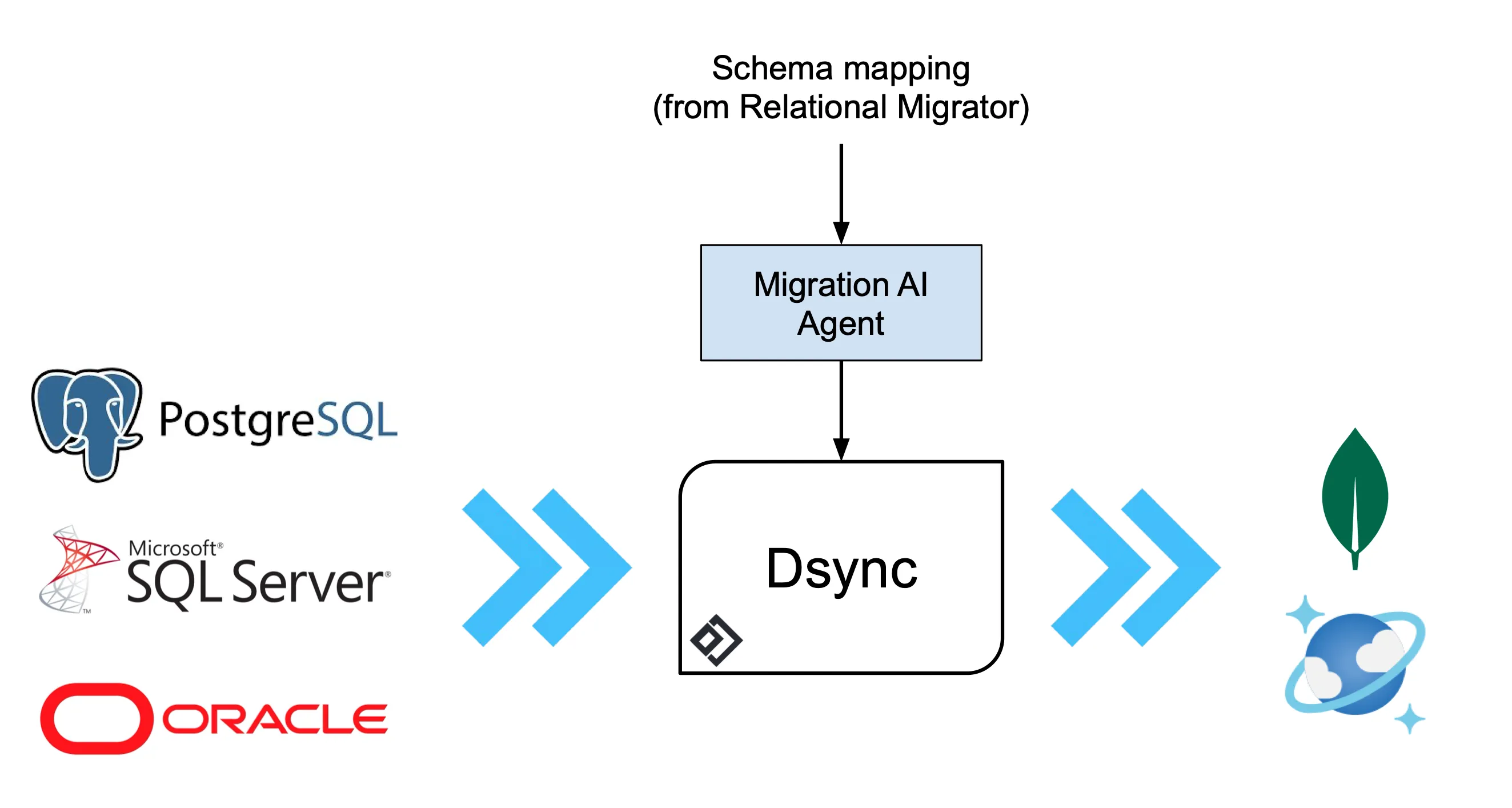
We're excited to share that support for SQL Server, Oracle, and PostgreSQL via our SQLBatch connector is now in public preview.
Product
Dsync runs a parallelized initial copy, transitions into change data capture without a gap, verifies integrity as it goes, and hands you a cutover with no downtime. It runs in your own infrastructure and persists nothing outside it.
How it works
dsync $SOURCE $DESTINATIONDsync is a single binary. It connects directly to the source and the destination and moves data between them — there is no broker, no staging bucket and no SaaS tier in the data path. That is the whole architecture, and it is deliberate: every hop you add is another place data can be lost, retained, or subpoenaed.
Internally it runs two coordinated pipelines. The initial-copy pipeline partitions the source and reads partitions in parallel, checkpointing as it goes so an interruption resumes rather than restarts. The change-data-capture pipeline tails the source's native change stream from a position recorded before the copy began, so nothing that happened during the copy is lost. When the copy finishes, CDC is already caught up and the two sides converge.
Verification runs alongside both, comparing source and destination continuously rather than once at the end. Because the pipelines are symmetric, reversing source and destination is a supported operation — which is what makes the back-out a reversal instead of a restore.
dsync --progress --logfile dsync.log $SOURCE $DESTINATIONThe quickstart in full, including a public read-only demo instance to try it against, is in the documentation.
We published our methodology and results against Fivetran, Airbyte and Estuary rather than asking you to take the numbers on trust.
Methodology, the datasets used, where each tool was faster or slower, and the cases where we lost. Reproducible against your own data.
Read the resultsHow we moved 100 TB and 100+ billion records from HBase to MongoDB while the source kept serving production traffic.
Read the write-upSee it running
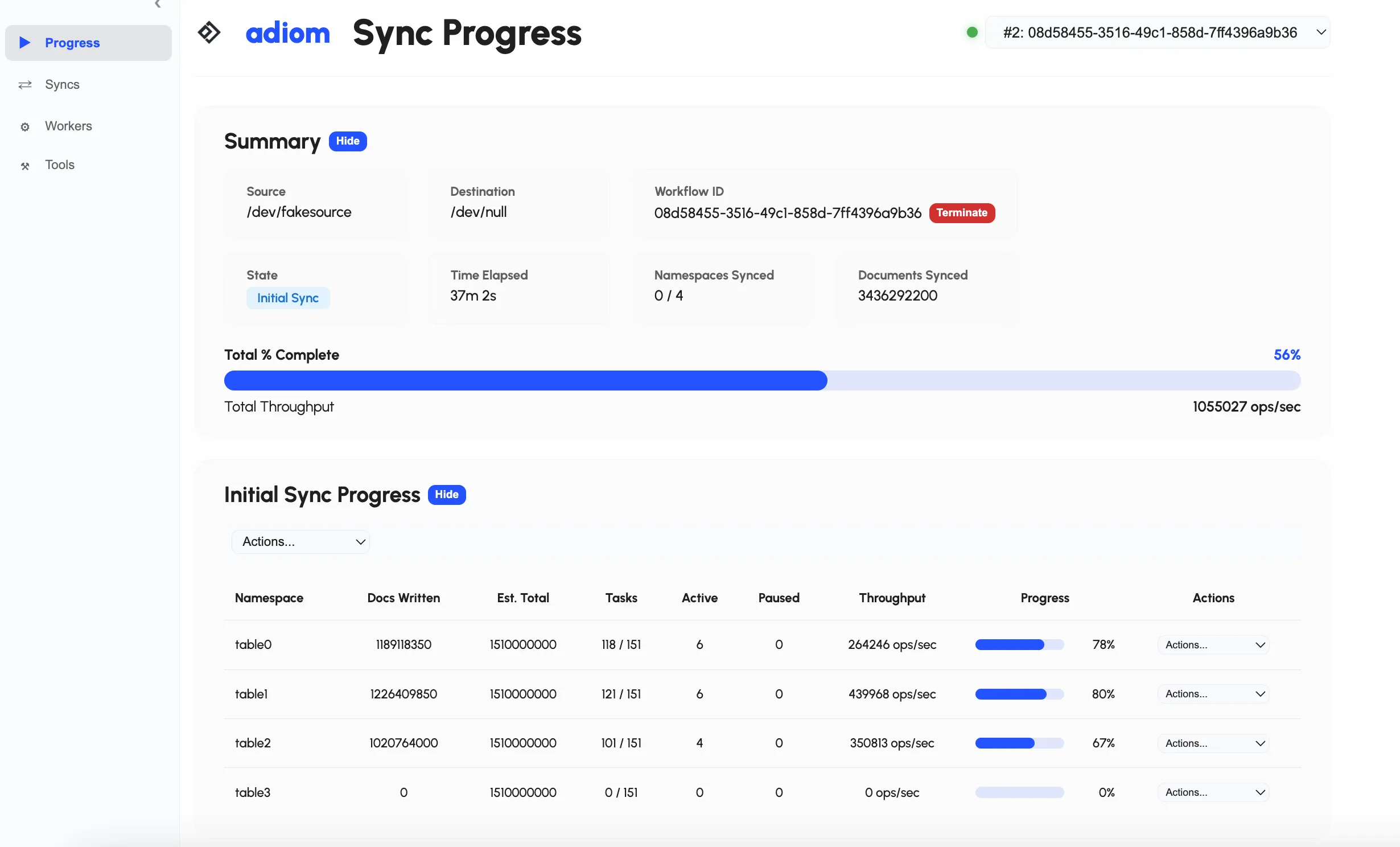
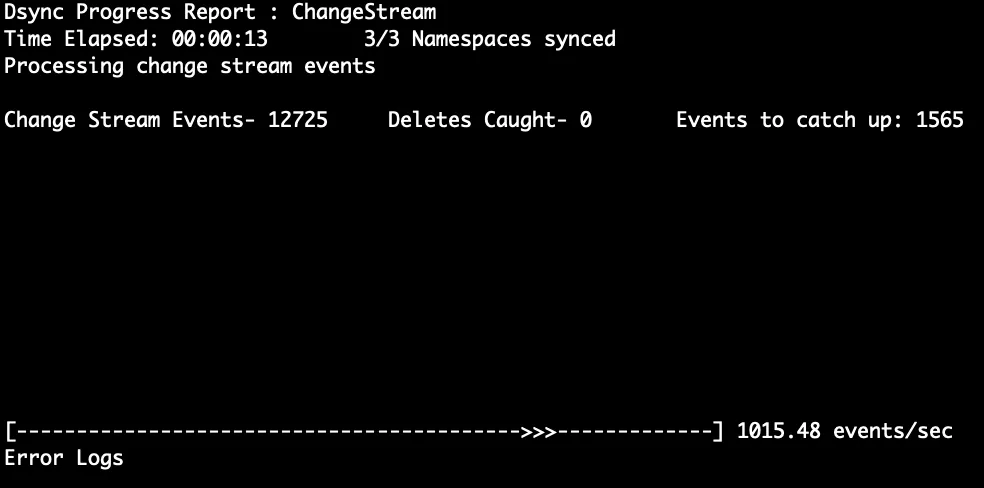
Not a mockup. The command line, the web UI and the integrity check, from a real run.
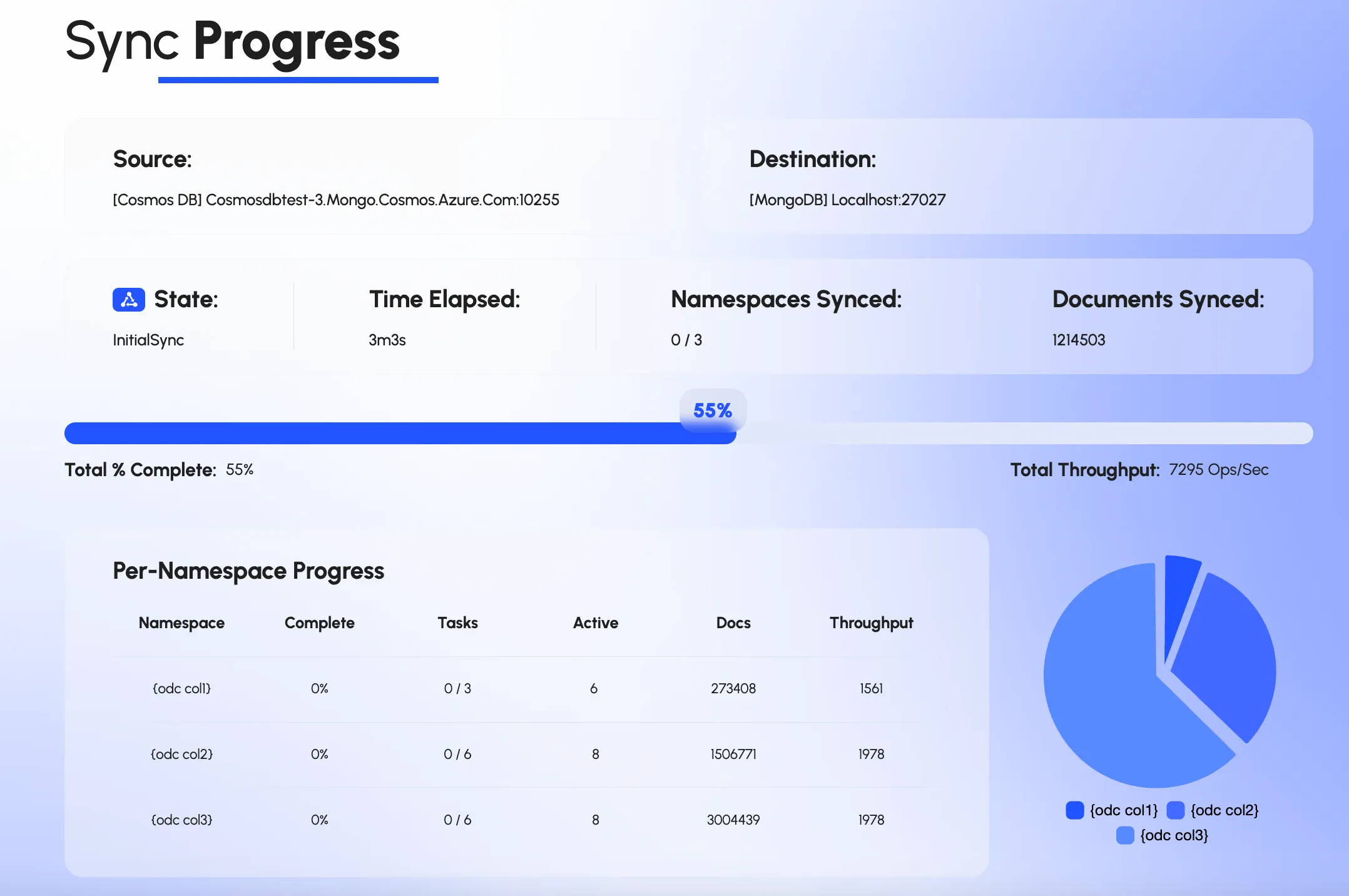
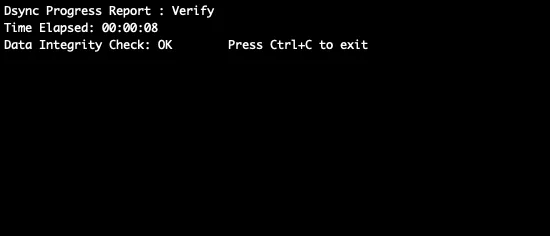
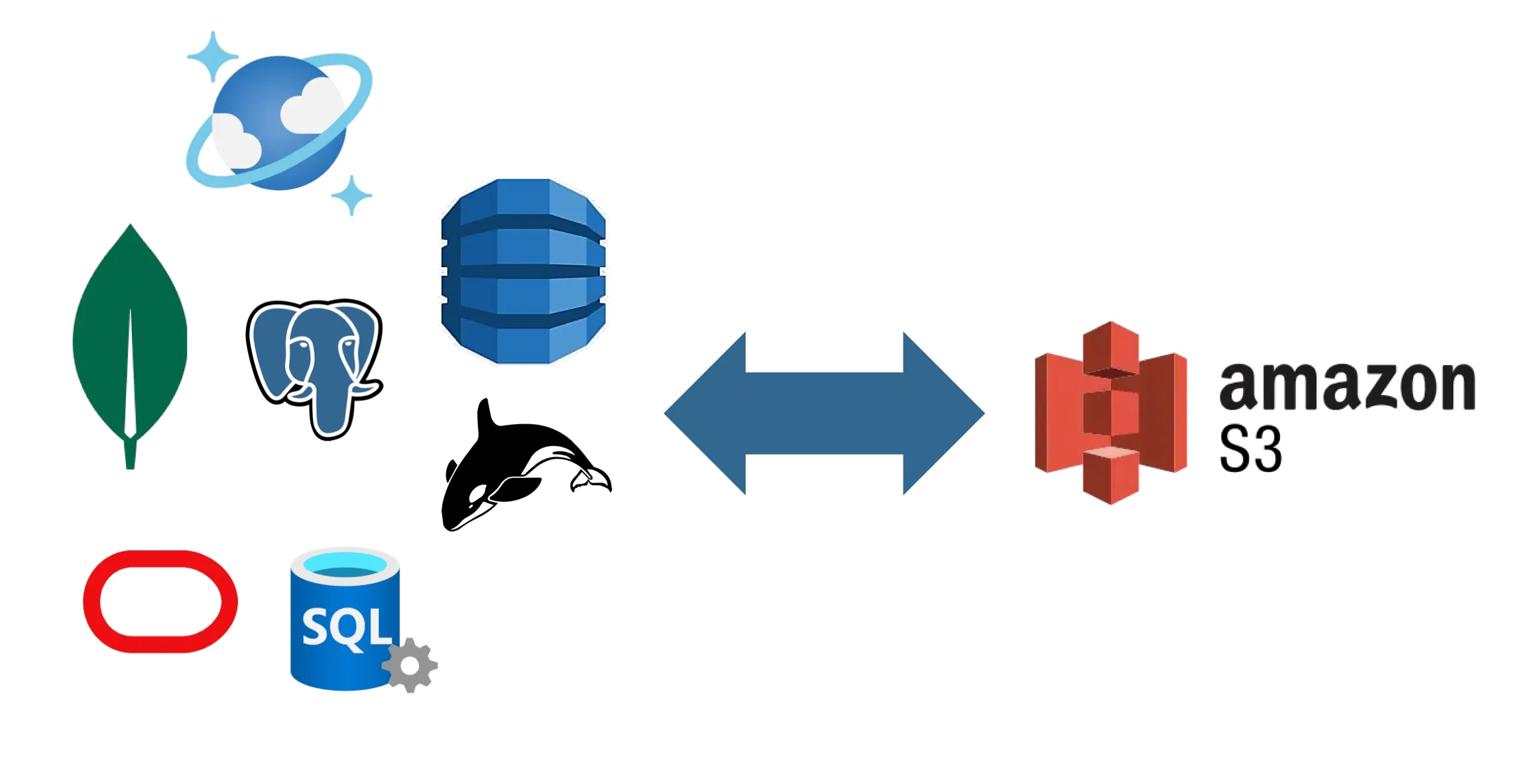
Connectors are source and sink unless noted, so a path usually works in both directions. If what you need is not here, ask — the adapter framework covers proprietary and niche systems.

Self-Managed · Atlas · Atlas Serverless
MongoDB connector docs
MongoDB API RU · DocumentDB · NoSQL / SQL API
Azure Cosmos DB connector docs

AstraDB · DSE
Cassandra connector docs
MS SQL Server · Oracle · DB2
Ask about Other SQLS3 Vectors
Amazon S3 connector docsGreat for small projects and testing
Best for enterprises and mission-critical use cases
What teams say after the cutover
1 / 4
Dsync is built specifically for moving production data between databases, not for general-purpose ETL. It runs as a single command, parallelises and resumes the initial copy, transitions seamlessly into change data capture, and verifies integrity as it goes. It persists no transient data, so your data stays with you.
Those tools are built for analytics pipelines into a warehouse, and price by rows moved. Dsync is built for operational cutover between live databases, runs inside your own infrastructure, and is optimized for throughput and resumability rather than for scheduled batch loads.
Kafka and Debezium are components you assemble into a migration. Orchestrating the initial snapshot against the change stream, handling resumption, and verifying the result is weeks to months of work you own. Dsync is that system, already built.
Teams usually can. What they underestimate is the long tail: resumability after a failure mid-copy, throughput on a 100GB+ dataset, keeping CDC in step with the snapshot, and proving the result matches. That is where the months go.
Yes. Dsync is open source and free to use, with best-effort community support. Commercial support is available as an add-on.
Yes. Dsync Enterprise adds commercial support, roadmap prioritisation and customization, on an annual or monthly agreement, and is available on the Azure Marketplace.
product3 min read
We're excited to share that support for SQL Server, Oracle, and PostgreSQL via our SQLBatch connector is now in public preview.
product2 min read
We're excited to announce that dsync now supports Amazon S3 as both a source and destination.
product3 min read
The Cassandra connectorThe Cassandra connector supports both source and sink roles, so you can migrate into and out of Cassandra-family databases.
Tell us the source, the target and the deadline. You will get a straight answer about what the migration involves.
We use cookies to measure how the site is used. Analytics and advertising cookies stay off until you accept. See our privacy policy.