guides5 min read
Migrate from Azure Cosmos DB to MongoDB Atlas Using Dsync
Migrating data between databases can be a complex and time-consuming process, especially for large-scale, mission-critical workloads.
Cosmos DB to MongoDB
Use Dsync to move from Cosmos DB to MongoDB Atlas while the application keeps serving traffic. Realize the benefits of Atlas in minutes rather than months.
Cosmos DB for MongoDB is wire-compatible with MongoDB, not identical to it. The differences that matter for a migration are in the plumbing rather than the query language: change streams exist per collection with no database-level stream, they carry no timestamps, and they do not emit delete events. Provisioned throughput is metered in request units, so a bulk read that would be routine against a replica set can throttle the source or blow through the RU budget, and the practical ceiling on parallel change streams is in the low tens before performance degrades.
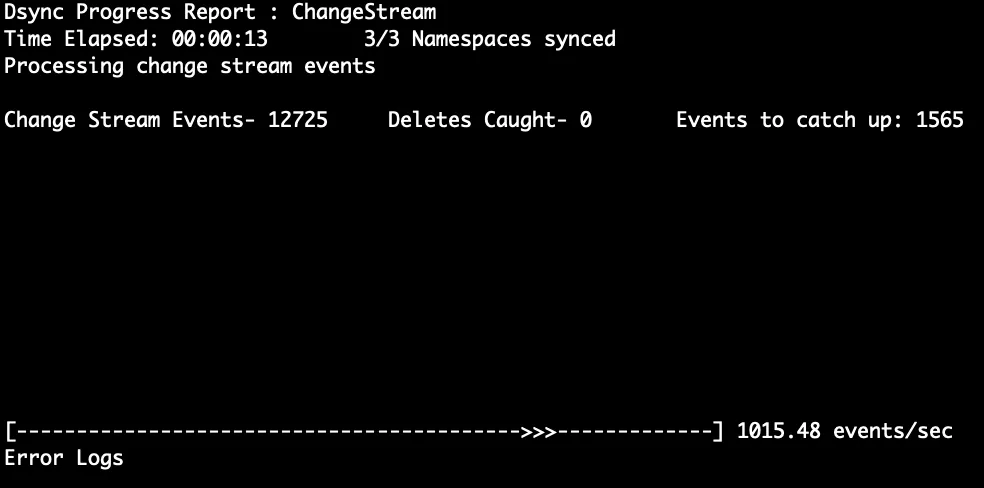
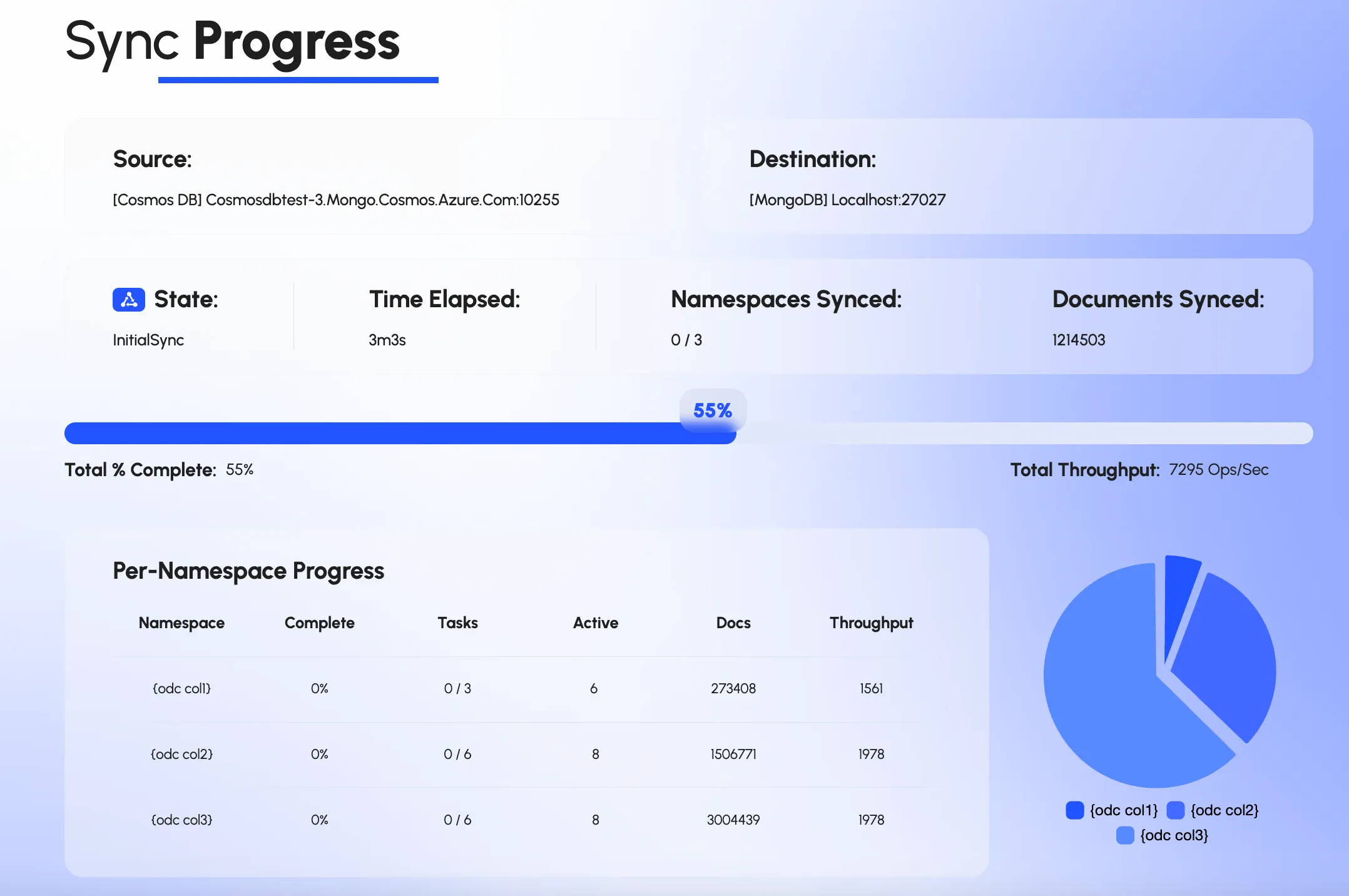
A migration therefore has three jobs that a plain copy does not: partition the initial copy so it moves fast without starving production traffic, keep one change stream per collection in step with that copy so writes during the migration land exactly once, and find deletes some other way because the stream will not tell you about them. Dsync does all three in one process — the deletes by periodically scanning the source index and applying the difference — reading Cosmos DB directly and writing to Atlas with no broker, staging bucket or SaaS tier in between, and it exposes throughput, lag and per-namespace progress in a CLI and a web UI while it runs.
On the Atlas side the work is mostly preparation: recreate indexes deliberately rather than by inference (Cosmos DB's automatic indexing hides which ones the application actually relies on), decide the cluster tier from measured working-set size rather than RU history, and review anything that depended on Cosmos-specific behavior such as TTL semantics or the 429 back-off your drivers learned to tolerate. The cutover itself is a DNS or connection-string change once verification shows the two sides match, and the same tool run in reverse is the fallback if you need to return.
dsync $COSMOS $ATLASSee it running
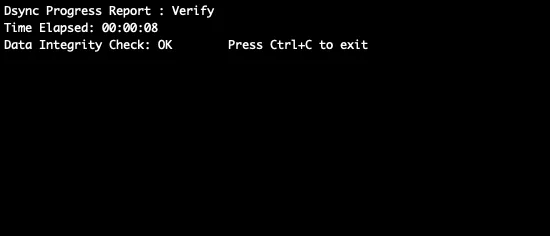
Not a mockup. The command line, the web UI and the integrity check, from a real run.
Proof
“We utilized dsync to handle the migration of two production databases from Cosmos DB to MongoDB. The tool was incredibly efficient, allowing us to bypass the manual overhead of writing custom migration logic. It delivered exactly what was promised: speed, reliability, and risk elimination. I highly recommend it to any team looking to streamline their data synchronization.”
Yes. Dsync reads Cosmos DB for MongoDB (RU and vCore) and Cosmos DB for NoSQL as sources. The mechanics differ — the MongoDB API uses change streams, the NoSQL API uses the change feed — but the migration runs the same way and lands in MongoDB Atlas or any MongoDB-compatible destination.
None for the copy and the catch-up phase; the application keeps writing to Cosmos DB throughout. The cutover is the time it takes to point the application at Atlas, typically a connection-string change and a restart. Teams that cannot pause writes at all keep both sides in sync and flip traffic gradually.
Dsync has a Cosmos-specific mode that periodically scans the source index and removes on Atlas whatever has disappeared from Cosmos DB, so deletes made during the migration are applied before cutover. If the application can soft-delete during the migration window that is simpler still, but it is not required.
It depends on data size, document shape and how much RU headroom the source has. The copy is partitioned on _id ranges and reads in parallel, and it resumes from its last checkpoint if interrupted, so a 100 GB collection is hours rather than days and a failure does not mean starting over. We give an estimate on the assessment call from your actual collection sizes.
You control it. Dsync's load level sets how many reader and writer threads it uses, from Low to Beast, and a write rate limit on the destination throttles the source through back-pressure. Most teams run the copy at a level that keeps 429s off the application and let it take longer; the change stream keeps everything written in the meantime.
Run the same command with the reverse flag. Dsync starts a change-data-capture flow with Atlas as the source and Cosmos DB as the destination, skipping the initial copy, so writes made after cutover flow back. That is why we recommend keeping the Cosmos DB account for a defined period rather than deleting it at cutover.
guides5 min read
Migrating data between databases can be a complex and time-consuming process, especially for large-scale, mission-critical workloads.
guides4 min read
This is an updated version of the original article published on Medium by our CEO, Alexander Komyagin.
guides4 min read
In today's cloud-native world, choosing the right database infrastructure is critical for application performance, cost management, and operational efficiency.
strategy4 min read
Introduction to MongoDB Atlas vs Cosmos DBIn the realm of NoSQL databases, MongoDB and Azure Cosmos DB are two powerhouse solutions catering to diverse application needs.
Tell us your Cosmos DB setup and target, and we will map the path.
We use cookies to measure how the site is used. Analytics and advertising cookies stay off until you accept. See our privacy policy.